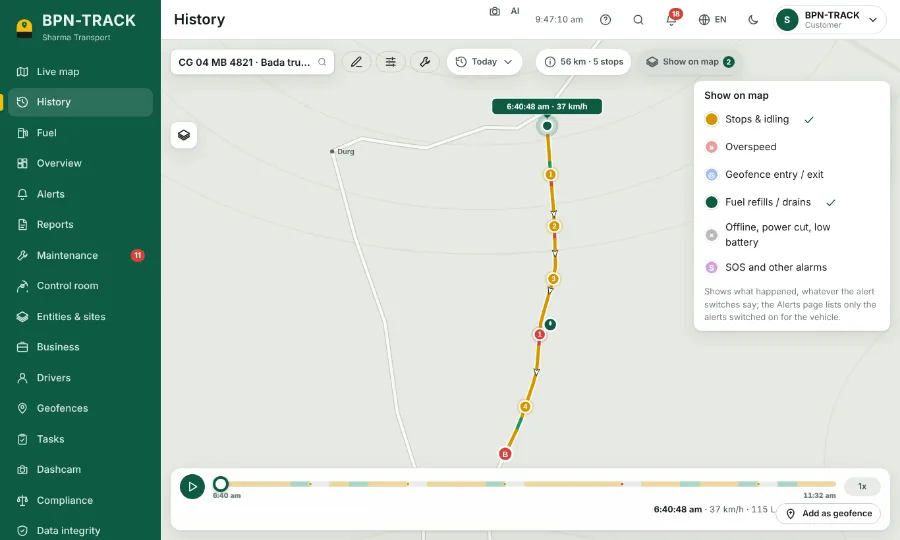
Customer sites as geofences
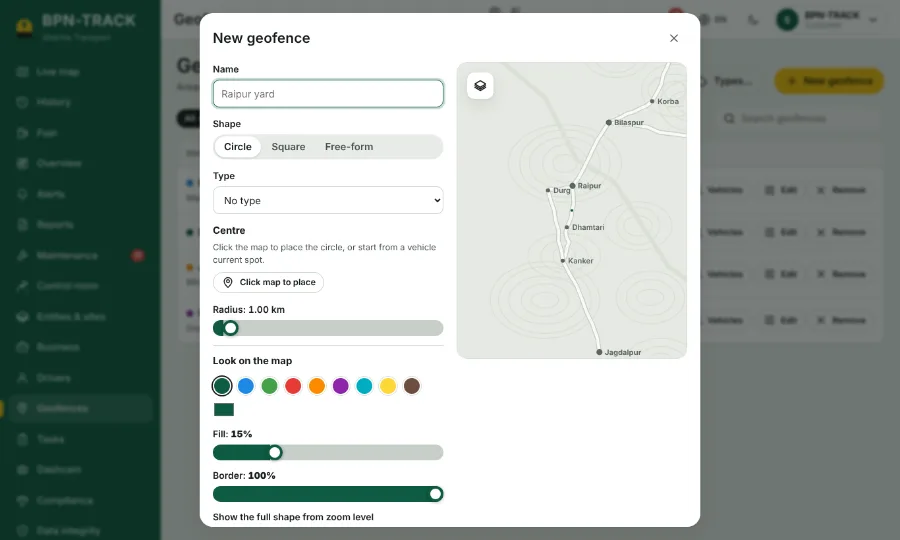
Mark each customer’s site; geofence visit reports show who reached which site and when.
Read the guideWhen your vans visit many customers a day, you need to know who reached which site and when — and your customer wants to see where you are. BPN-TRACK gives you both: geofence visit reports, and a live location link for the customer.
No account needed: choose “Try the demo”, give your name, mobile and email and the code sent to your email, and a demo with a ready fleet opens for two hours.
Mark each customer’s site; geofence visit reports show who reached which site and when.
Read the guideSend the customer a live location link that expires; no app and no login needed.
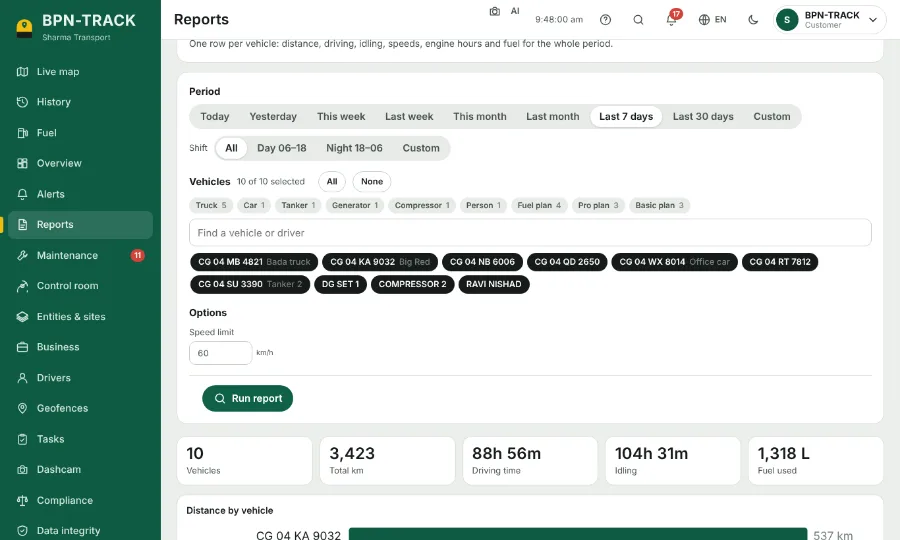
Read the guideFor any van and any dates, by email every morning if you like.
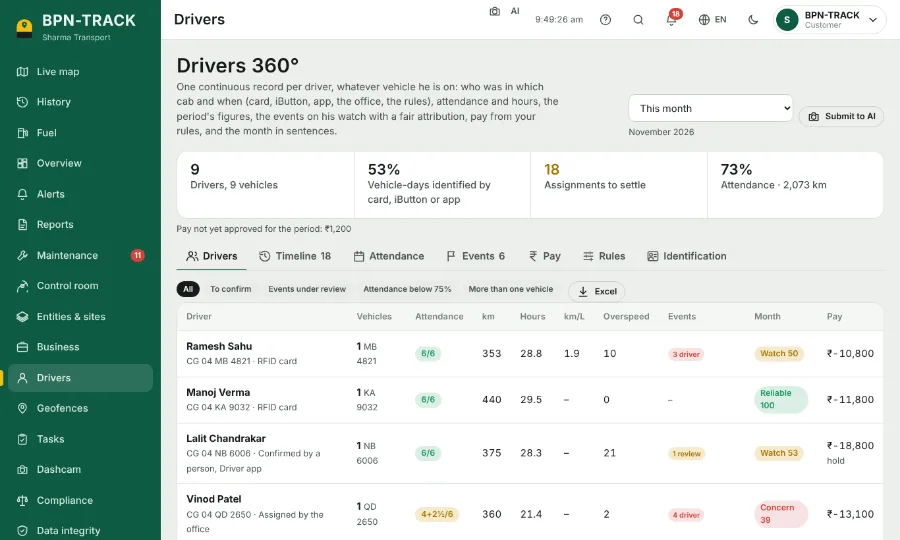
Read the guideDrivers 360° keeps each driver’s attendance, hours, km and overspeed.
Read the guideA dispatcher or a branch manager gets a login with only the vehicles and screens they need.
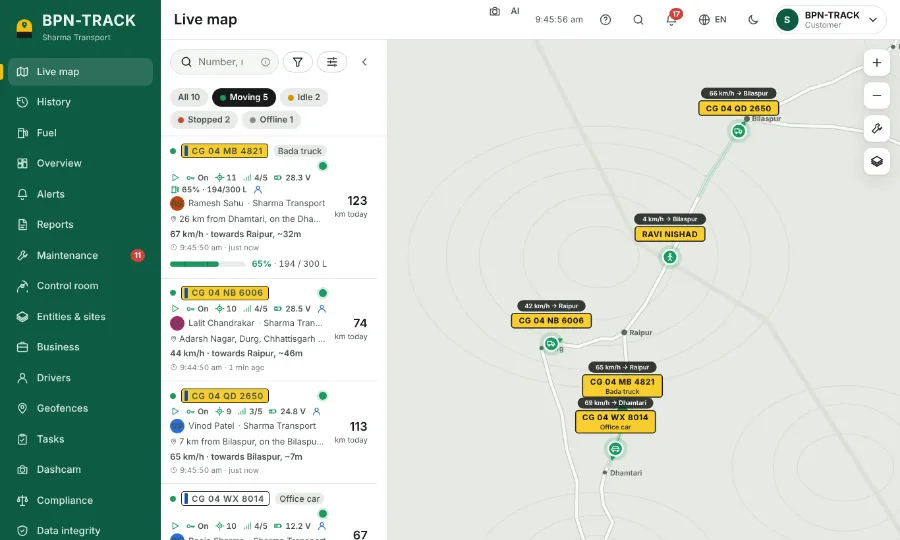
Read the guideAll your vehicles on one map and one list, refreshed every few seconds — moving, idle, stopped or offline at a glance.
Read the guideCircles or shapes in your own colour for yards, customer sites, no-go zones, tolls and fuel pumps.
Read the guideFuel consumption per vehicle: used, refilled, lost, km per litre and the cost at your fuel price.
Read the guideWhich driver had which vehicle and when, attendance, hours, km, overspeed and the month’s grade.
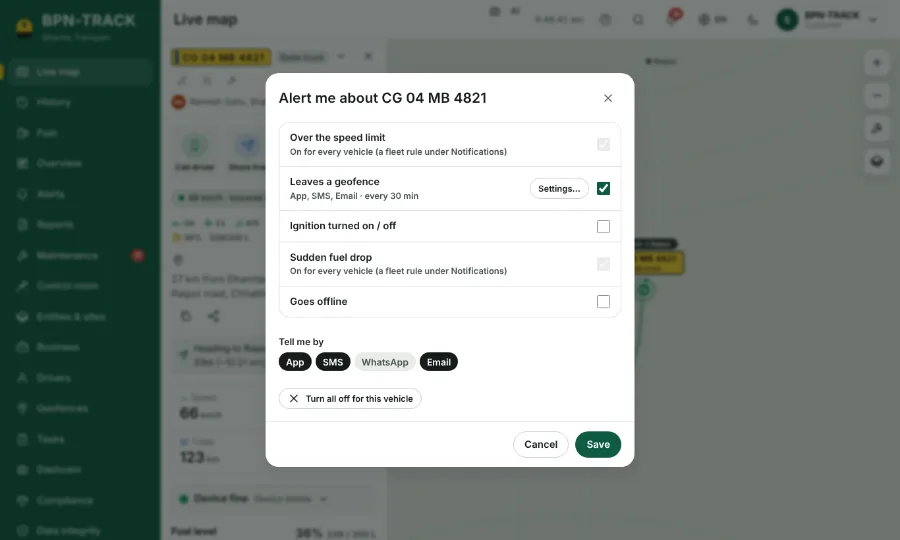
Read the guideOverspeed, geofence entry and exit, ignition, power cut, fuel and more — chosen for each vehicle.
Read the guideSee on the Live map where vehicles park, idle, drive at night, overspeed — and where fuel loss happened.
Read the guideYes. Mark customer sites as geofences; the geofence visits report shows the visits, and entry and exit alerts can be switched on.
Yes. Open app.bpntrack.com and choose “Try the demo”. Enter your name, mobile and email, then the code sent to that email. A demo with a built-in fleet opens for two hours — no account needed.
Yes. Every screen of the app and the whole help guide are in English and Hindi; switch with the globe button. Our team in Raipur gives support in Hindi and English.
Open the live demo on your phone or computer. Questions? Our team in Raipur answers in Hindi and English.
Every screen of the app and the web, with screenshots and explanations — download it now and read it later on your phone.